DSC3 pressure sensor

Digital pressure switch with hysteresis and range modes.

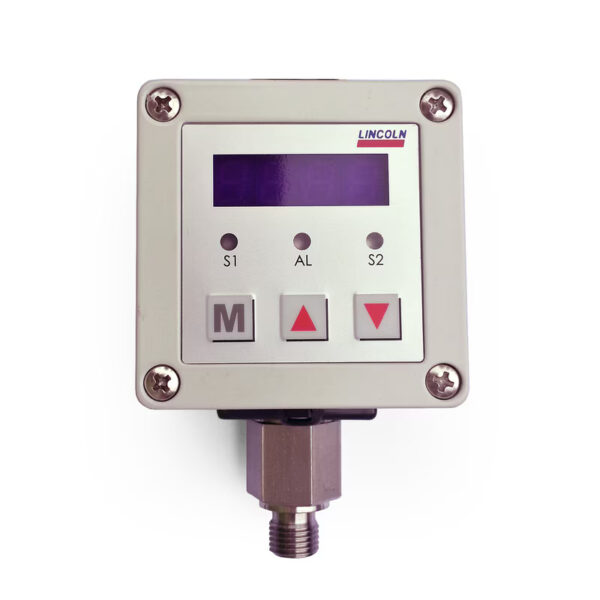
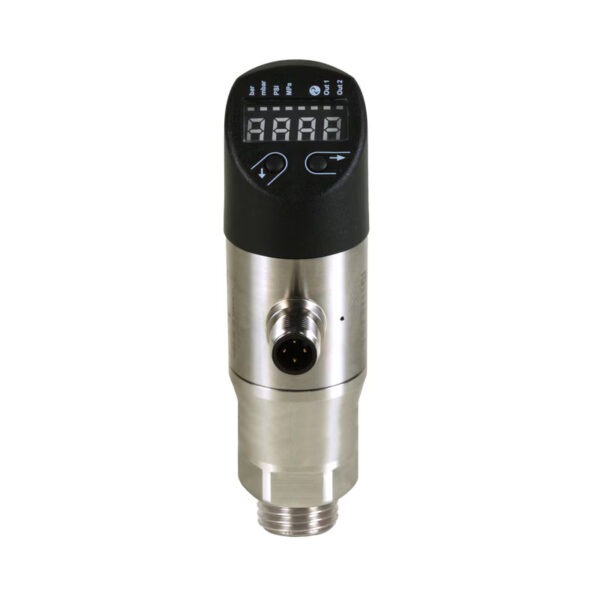
The DSC3 sensors are electronic pressure switches with a built-in digital display for measuring relative pressure. They are primarily used for pressure monitoring. Depending on the design, they can also perform control functions. Pressure switch points, pressure indication, and switching logic are easily configured and programmed. The four-digit digital display is rotatable. The DSC3 can be integrated into a lubrication line. It operates in switch point, hysteresis, and range modes. The switching mode can be programmed separately for each output.

Features and Benefits

  • Designs for increasing and decreasing pressure from 0 to 100 bar in 0.5 bar increments
  • Easy to install in a lubrication line
  • Rotary four-digit digital display
  • Can operate in switch point, hysteresis and range modes
  • Software lock to protect against unauthorized drive adjustment
  • Indication of switching using LEDs

Application areas

  • Machine tools
  • Printing machines
  • Wind energy
  • Vehicles
  • Metallurgy and heavy industry

Documentation

Category:

Description

Technical specifications
Operating principle digital pressure switch
Lubricant oil and liquid lubricant NLGI 000, 00, 0
Operating temperature from −25 to +80 °C from -13 to 176 °F
Working pressure max 300 bar max 4350 psi
Switch type microswitch
Contact type switching
Operating voltage 9–35 VDC
Energy consumption max 35 mA
Output signal 2 pcs. PNP
Vibration resistance 20 g (5–500 Hz)
Service life 100 × 106 pressure switches
Electrical connection M 12×1, four-pin
Pressure tapping hole via T-connector, 2 × G 1/8 (F)
Materials
Frame plastic
Protection class IP 67
Dimensions 42 × 115 × 40 mm 1.65 x 4.53 x 1.57 inches
Installation position any
Sample order
The product can be configured using a configuration code. The order template includes the applicable part number and an explanation.
DSC3-A100K-3A2B
  • Pressure switch
  • Lubrication points (2 with internal thread G1/8)
  • 1–100 bar
You can configure your product using the CAD configurator below. This will provide you with a specific order number.

Configure the product, download the CAD file